Premium video meetings.
Try free for 30 days.
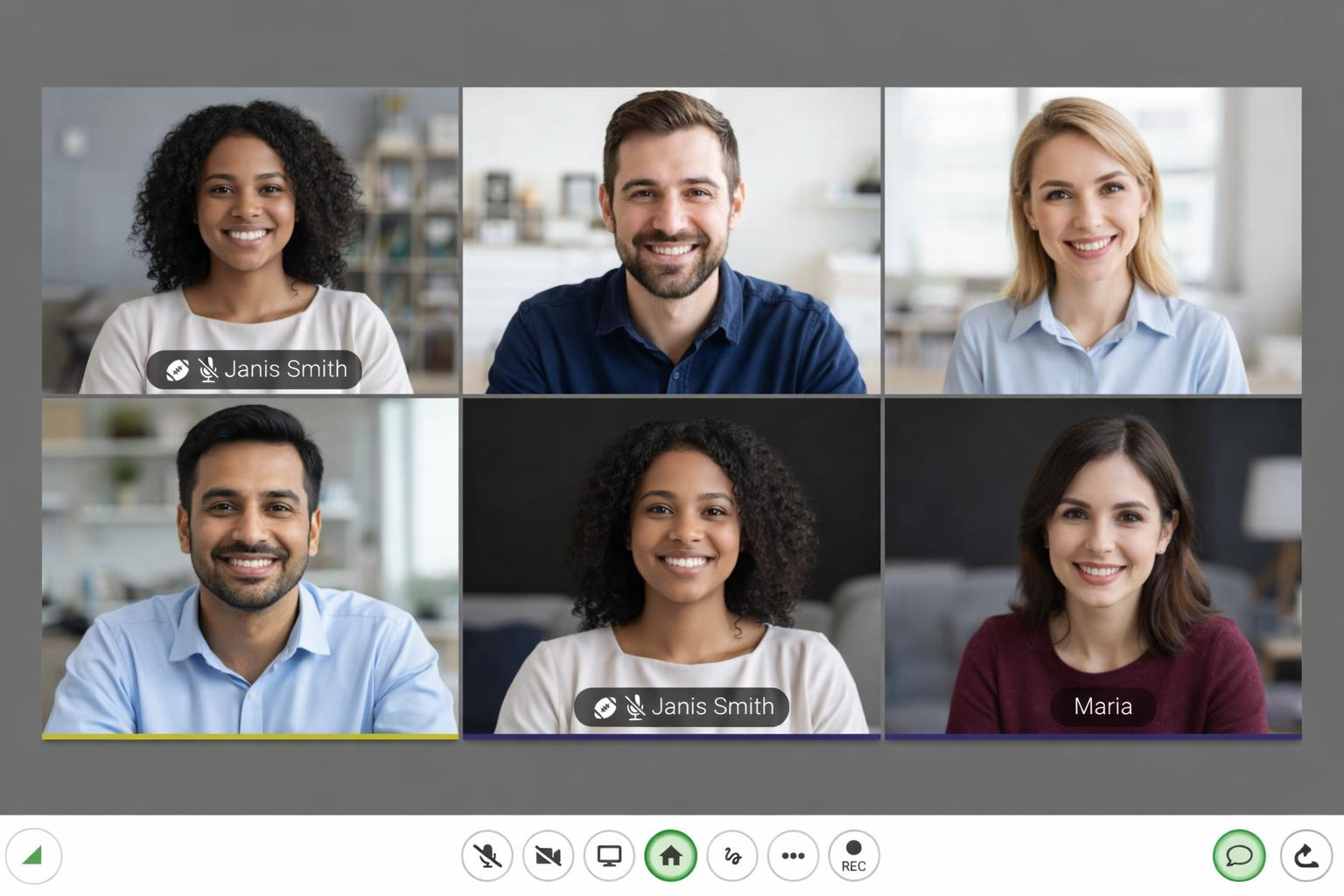
ConferWeb Webcast brings enterprise-grade video conferencing with HD video, screen sharing, whiteboard, and powerful collaboration tools to teams of all sizes.
No downloads required. Works in your browser.
Trusted by teams worldwide
Everything you need for seamless collaboration
Powerful features designed for modern teams
HD Video & Audio
Crystal-clear video conferencing with adaptive quality that adjusts to your network conditions.
Screen Sharing
Share your entire screen, a specific window, or a browser tab with a single click.
In-Meeting Chat
Send messages, share links, and collaborate in real-time without interrupting the speaker.
Interactive Whiteboard
Brainstorm, sketch, and visualize ideas together with our collaborative whiteboard.
Attendee Panel
Manage participants, control permissions, and see who's in your meeting at a glance.
File Sharing
Share documents, presentations, and files directly within your meeting.
Live Polls & Q&A
Engage your audience with interactive polls and get instant feedback.
Meeting Recording
Record meetings for later review or share with team members who couldn't attend.
Flexible meeting modes for every use case
Choose the perfect configuration for your meeting type
Webinar
Present to large audiences with presenter controls, Q&A, and attendee management. Perfect for training, product demos, and company-wide meetings.
- Up to 1000+ attendees
- Presenter controls
- Q&A panel
- Hand raising
MCU
Multipoint Control Unit mode delivers a unified video experience with server-side mixing. Ideal for enterprise meetings requiring consistent quality.
- Unified layout for all
- Lower bandwidth per client
- Active speaker detection
- HD transcoding
SMCU
Single-participant MCU displays only the active speaker with server-side mixing. Clean, focused view that automatically switches to whoever is speaking.
- Active speaker focus
- Server-side mixing
- Auto speaker detection
- Lower bandwidth usage
SFU
Receive individual video streams for each participant. Arrange, resize, and position each person's video exactly how you want with complete layout flexibility.
- Individual video streams
- Customizable layouts
- Resize any participant
- Drag and drop arrangement
Get started in seconds
No downloads, no plugins. Just click and connect.
Create or join
Start a new meeting instantly or enter a meeting code to join an existing one.
Invite your team
Share the meeting link via email, calendar, or chat. One click to join.
Collaborate
Use video, screen share, whiteboard, and chat to work together effectively.
Ready to transform your meetings?
Join thousands of teams already using ConferWeb Webcast